Does AI Feel Confusing, Difficult, or Too Techy?
Learn AI Without Overwhelm
Step-by-Step Class
Put AI to work to save you time, reduce frustration, and finally feel confident applying it to real life.
Wednesday, January 28th at 10 AM EST or 6 PM EST
Live Online Class on Zoom
120-Minute Training + Recording + Transcript + Bonuses
Just $47 before it increases to $97 after the live sessions

You’re not alone. Many smart, capable people feel stuck because:
You keep hearing AI can save hours, but you have no idea where to start
You’re not sure what tools to use or what to type
You’re afraid of breaking something or wasting time going in circles
You’ve tried playing with AI, but left more frustrated than helped
You secretly worry that if you don’t learn this, you’ll fall behind
If any of this sounds like you, this class was made for you.
By the End of This Class, You’ll Be Able To…
Use AI for everyday tasks, without overwhelm
Know exactly where to click, what to say, and how to get useful results
Save time, simplify your life, and finally feel confident using AI
Watch a real demo where AI works for you, not against you
This isn’t a hype-filled tech lecture. It’s a calm, hands-on walkthrough designed to take you from beginner to capable, step by step.
What You Will Learn
This Two Hour Live Online Class You Will Learn:
AI Made Simple
What’s Really Going On Behind the Scenes
Understand what AI actually is in plain English so you can finally put a clear picture with the buzzword everyone is using. You’ll learn how AI tools “think,” respond, and learn patterns from data without needing any math, coding, or tech background

From Overwhelmed to Empowered: How AI Can Be Your Everyday Helper
Discover how AI can lighten your load by helping with ideas, writing, organization, and everyday problem‑solving at home and work. You’ll see relatable, real‑life examples so you can immediately imagine where AI fits into your life instead of feeling intimidated by it.

Exploring Google’s AI Studio Live
See, click by click, how Google’s AI Studio lets you chat with powerful AI models, test ideas, and interact in real time using text, voice, or even your screen. You’ll leave knowing exactly where to go, what buttons to press, and how to start safely experimenting on your own.


Build Your Own GPT
Finally, grasp what a GPT is, a customized AI assistant built on top of a powerful language model, and how it differs from just opening ChatGPT in a browser. You’ll understand why having your own GPT means more control, personality, and relevance for your unique needs, projects, or business.

Building Your First Custom GPT-Together!
Follow along step by step as we build Rhonda the Recipe Builder from scratch, so you can see the entire process in real time from blank screen to working assistant. You’ll experience how simple prompts, clear instructions, and a few clicks can turn your ideas into a helpful AI you actually enjoy using.

Turn Your Bonuses Into a Reusable Structure for Future GPTs
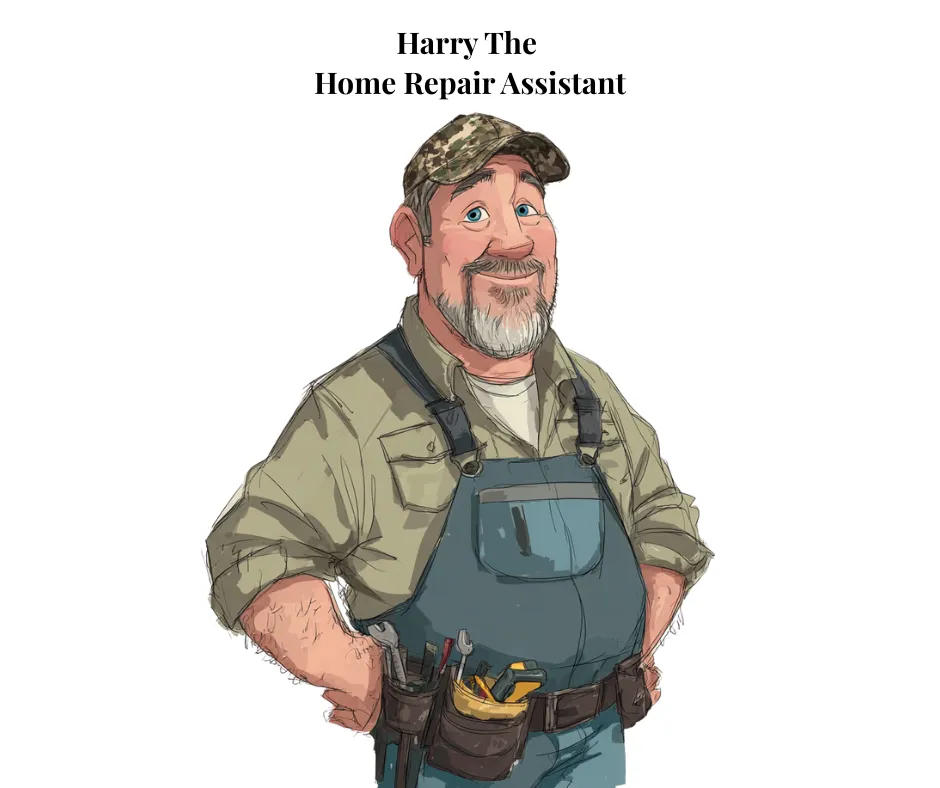
Learn how to use Harry the Home Repair Assistant as real‑life examples of how a helpful GPT is set up, its role, instructions, and training content. You will learn how to build and reuse the same structure to create future GPTs for your own hobbies, home life, or business.
Meet Your Instructor

Pam McCloskey is an AI educator and community builder who specializes in teaching AI in simple, real‑world language that anyone can understand.
Over the past year, she has:
Taught AI to beginners and non‑techy users through live classes, workshops, and community events.
Built multiple custom GPTs designed to help with everyday tasks, home repair, recipes, business content, and more.
Helped entrepreneurs and everyday users save hours each week by using AI for planning, writing, and organizing.
Created safe, welcoming learning spaces where people can ask “basic” questions without shame or judgment.
If you’ve ever wished someone would slow down, show you the screen, and explain it like a friend, this is that class.
FAQs
Quick answers to the most common questions about this class, so you know exactly what to expect
Do I need any AI or tech experience to join?
No prior AI or tech experience is required. If you can open Zoom, click a link, and follow simple on‑screen directions, you’ll be able to participate fully and keep up with the step‑by‑step demonstrations.
What do I need to follow the Google AI Studio demo?
You’ll need a free Google account (such as Gmail), a reliable internet connection, and a modern web browser such as Chrome, Edge, Safari, or Firefox. Google AI Studio runs in your browser, so there’s nothing to install.
Can I build my own GPT after this class?
Yes. If you have a ChatGPT Plus (or similar paid) account, you’ll be ready to start creating your own custom GPTs using the same simple process you learned with Rhonda and Harry. The class will show you how the pieces fit together so you’re not starting from a blank screen.
What if I can’t attend the class live?
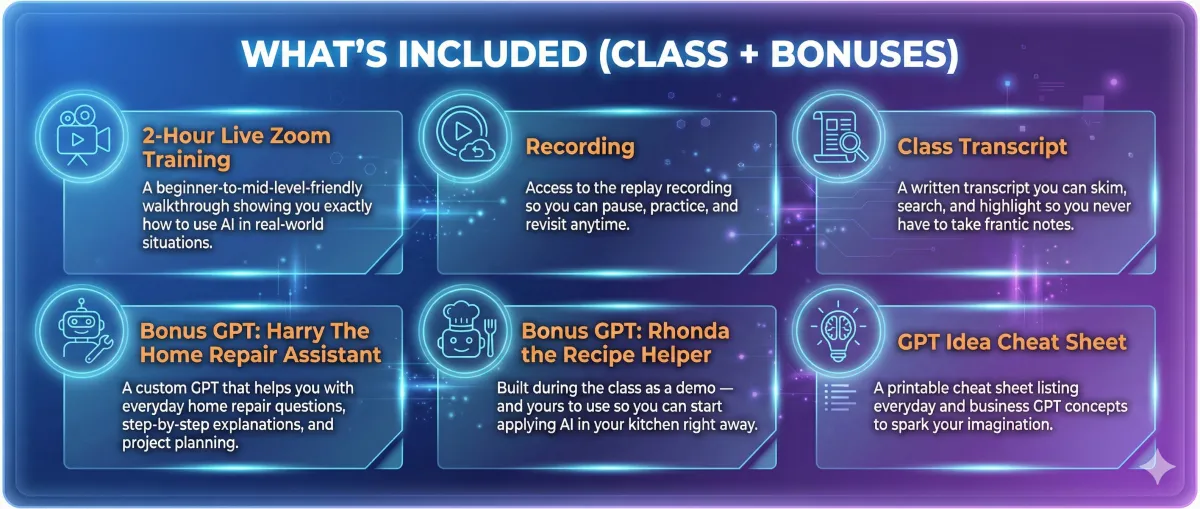
You won’t miss out. All registrants receive the full replay, a searchable transcript, and the bonus materials, so you can watch, pause, and follow along on your own schedule.
Will you share your screen and show the exact steps?
Yes. You’ll see every click, setting, and prompt in real time as the GPTs are built, so you can mirror the process on your own screen with confidence. This is a true “watch and follow along” style class, not just theory.
Is this only for business owners or advanced users?
Not at all. This class is designed for everyday people who want AI to make life easier at home, at work, in ministry, or in a side project, not just for techies or marketers. Business owners will benefit, but so will anyone who wants less overwhelm and more practical help from AI.
Unlock Your Ai Toolbox With Time Saving Bonuses
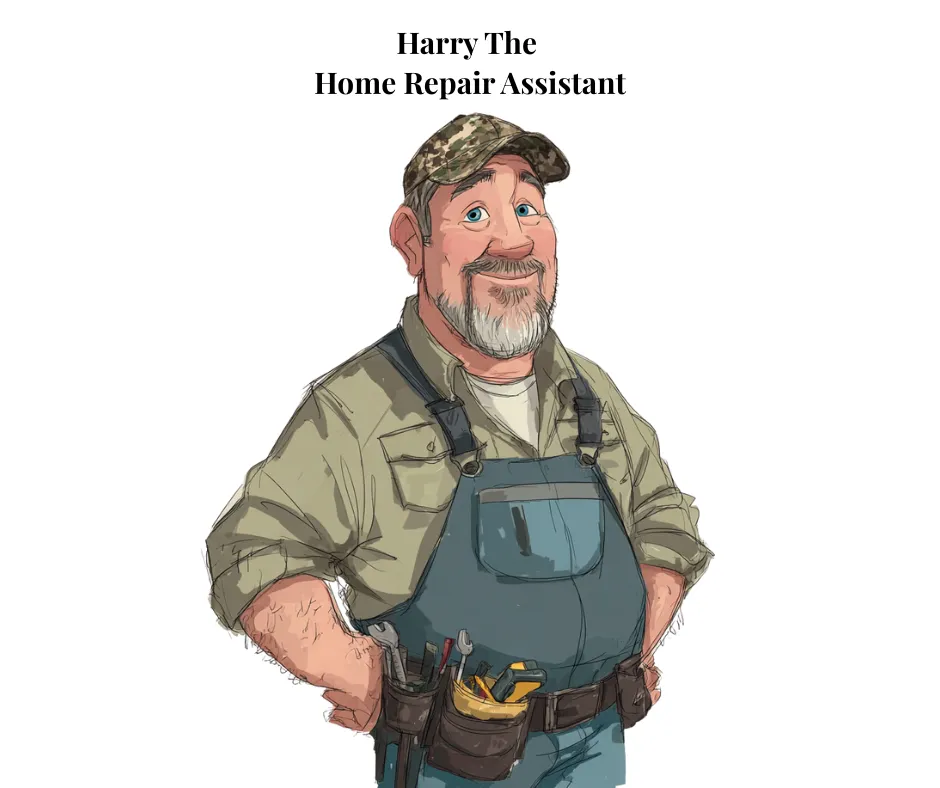

You're not just learning about AI, you are walking away with custom tools and smart shortcuts that save you time, spark ideas, and help you hit the ground running. Harry The Home Repair Assistant, Rhonda The Recipe Builder, and GPT Idea Vault bonuses are your secret weapons for turning AI into a personal assistant you actually use.

Testimonials

Sarah L.

I had been avoiding AI for months because it just felt too technical. This was the first time someone slowed down, shared their screen, and actually showed me what to click and why. Now I am using AI to plan my week, clean up my writing, and brainstorm ideas without feeling embarrassed or confused.

Michael D.
I went into this class pretty skeptical. I kept hearing about AI, but I assumed it was either a fad or something only big tech people needed. What surprised me was how practical it was once someone broke it down step by step. I walked away with a handful of simple ways to use AI for things I actually do, like summarizing info, drafting messages, and organizing projects. It saves me time without me having to become a ‘tech expert,’ which is exactly what I needed.

Denise K.
I came in as a total beginner and left feeling like I finally ‘get it.’ The way AI was explained in plain language, with real examples from everyday life and business, took away the fear. I use the replay and my notes all the time, and AI has gone from something I am scared of to something I reach for almost every day
© 2025 DAILY SOLUTIONS